A small change in the ALDI online shop that turned promotional browsing into purchases.
Role
Product Designer
Team
Product Designer, PO, 2 developers, 1 QA tester
Year
2025
Impact
+5% sales in the first month
Problem
Shoppers clicked on products in the digital leaflet, but couldn’t add them to the cart. Interest from promotions was lost on the way to checkout.
What I did
Spotted the pattern in session recordings, validated it with a heatmap, competitor analysis and interviews, then designed, tested and shipped an “Add to cart” flow inside the leaflet.
Result
+5%
overall sales in the first month after launch.
Problem
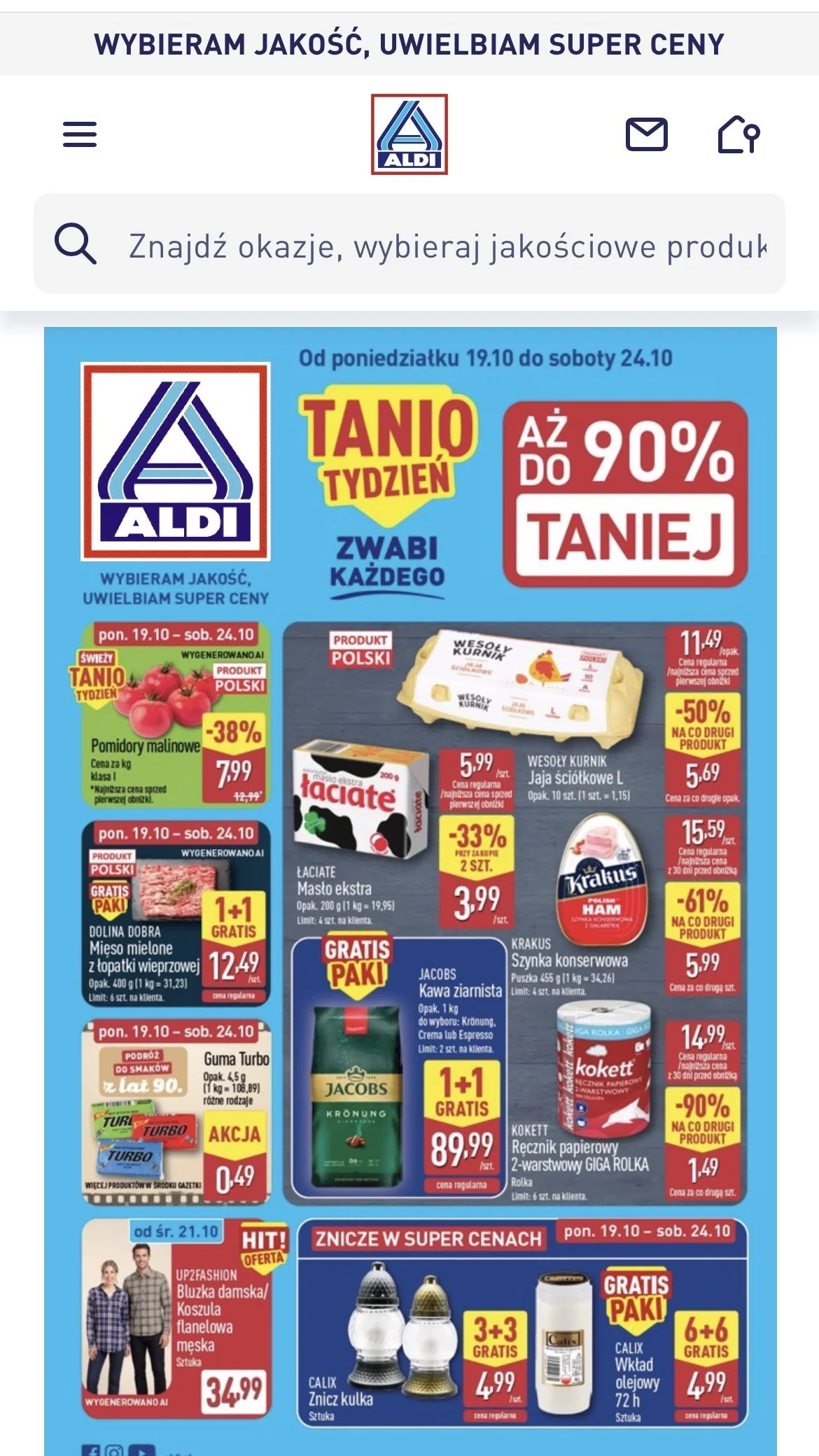
The leaflet sparks interest, but doesn’t lead to purchase
Users had to leave the leaflet and search for the product separately. Every extra step raised the chance they would abandon it or simply forget. A promotion catches attention exactly when the user is ready to act.
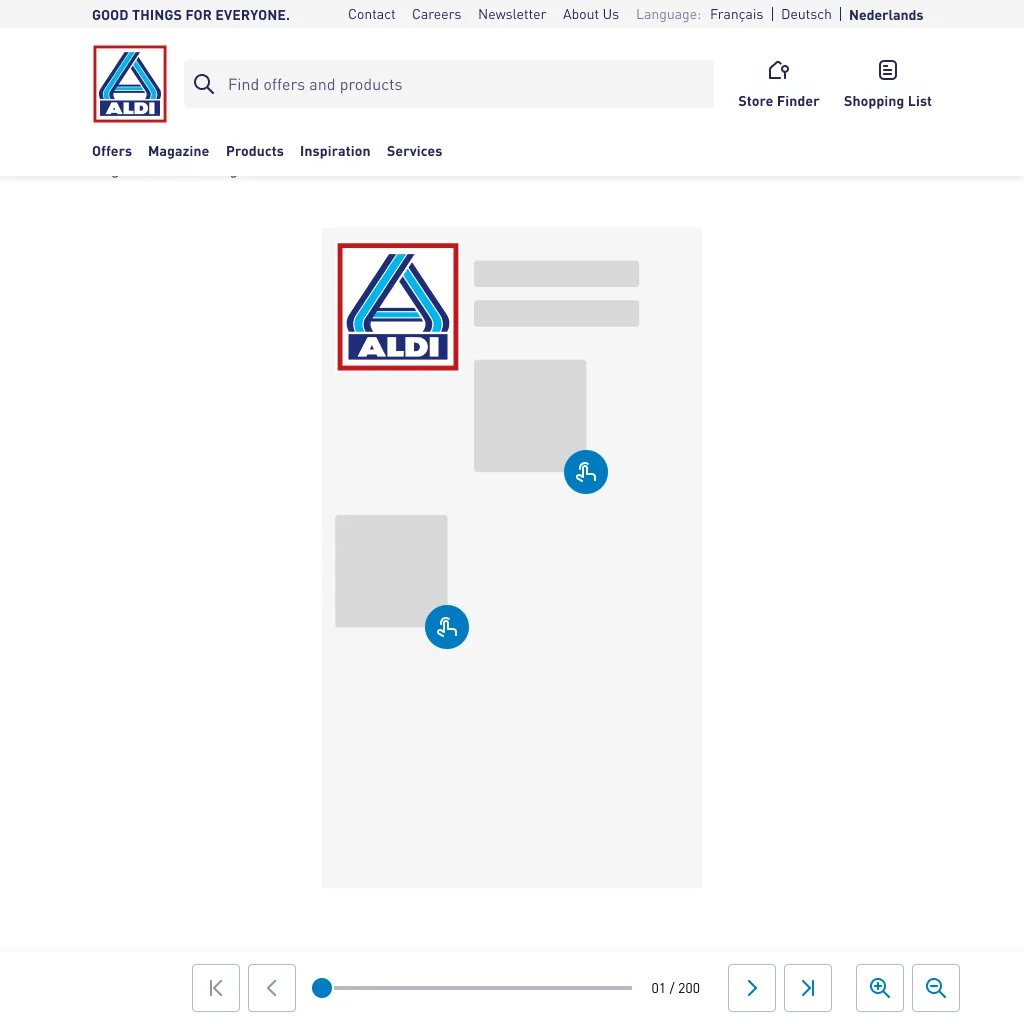
Before: a static leaflet, nothing to tapAfter: every product is actionable
Research
Three data sources, one conclusion
Session recordings and heatmap
Users frequently clicked on the products shown in the leaflet: a clear sign of intent to buy.
Competitor analysis
0 of 6 competitors offered this feature, a clear chance for ALDI to stand out.
In-depth interviews
Users described not being able to add products to the cart from the leaflet as frustrating.
Hypothesis
If users can add products to the cart directly from the leaflet, shopping becomes faster and smoother, which will increase engagement, conversion and overall sales.
Process
From insight to shipped feature
UX audit and dataRecordings, interviews, competitors
ConceptTech feasibility and business case with POs
IdeationUser journey, mockups to hi-fi
PrototypesTwo prototypes to compare
Testing and launchUsability tests, iterations, QA of the build
Solution · Mobile
From leaflet to cart in a few taps
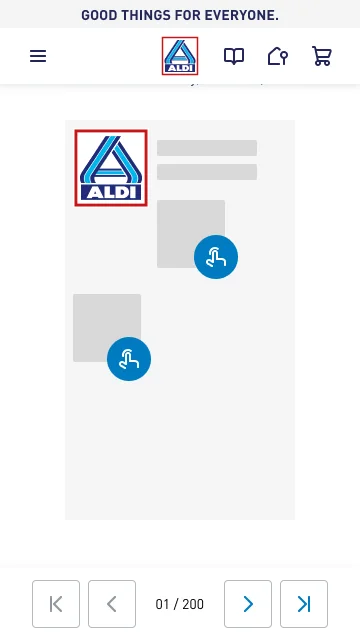
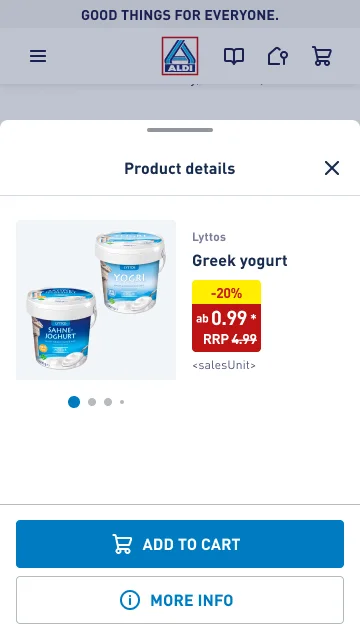
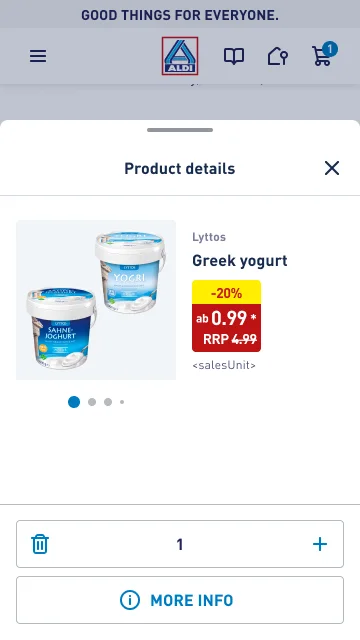
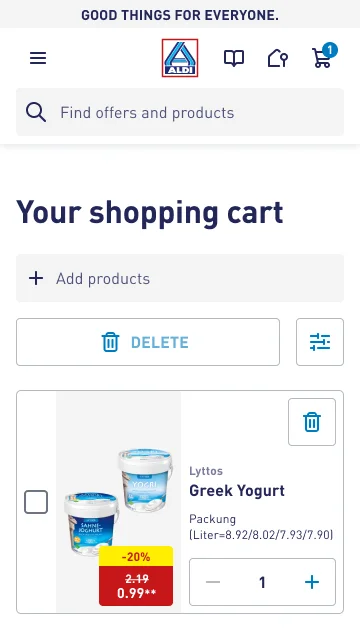
1 · Tap a product2 · Add to cart3 · Instant feedback4 · Check out
Solution · Desktop
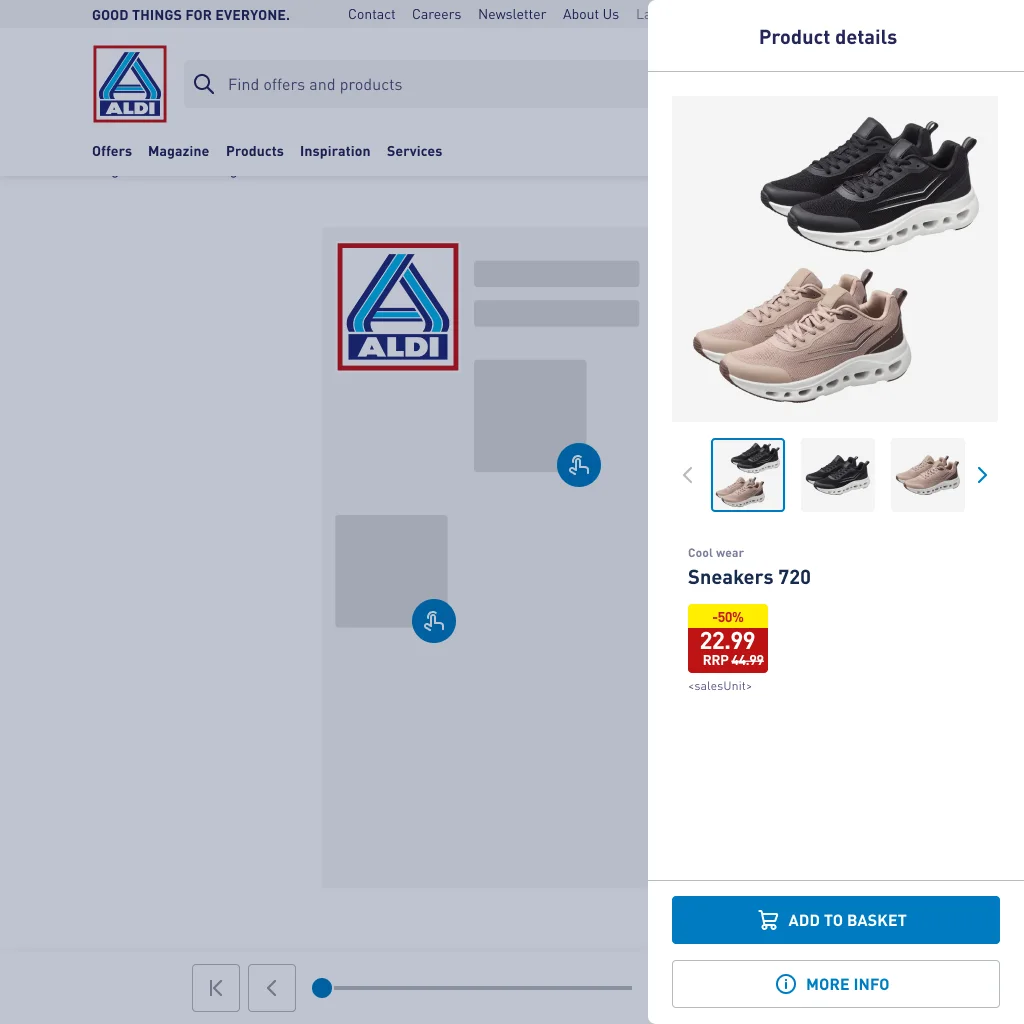
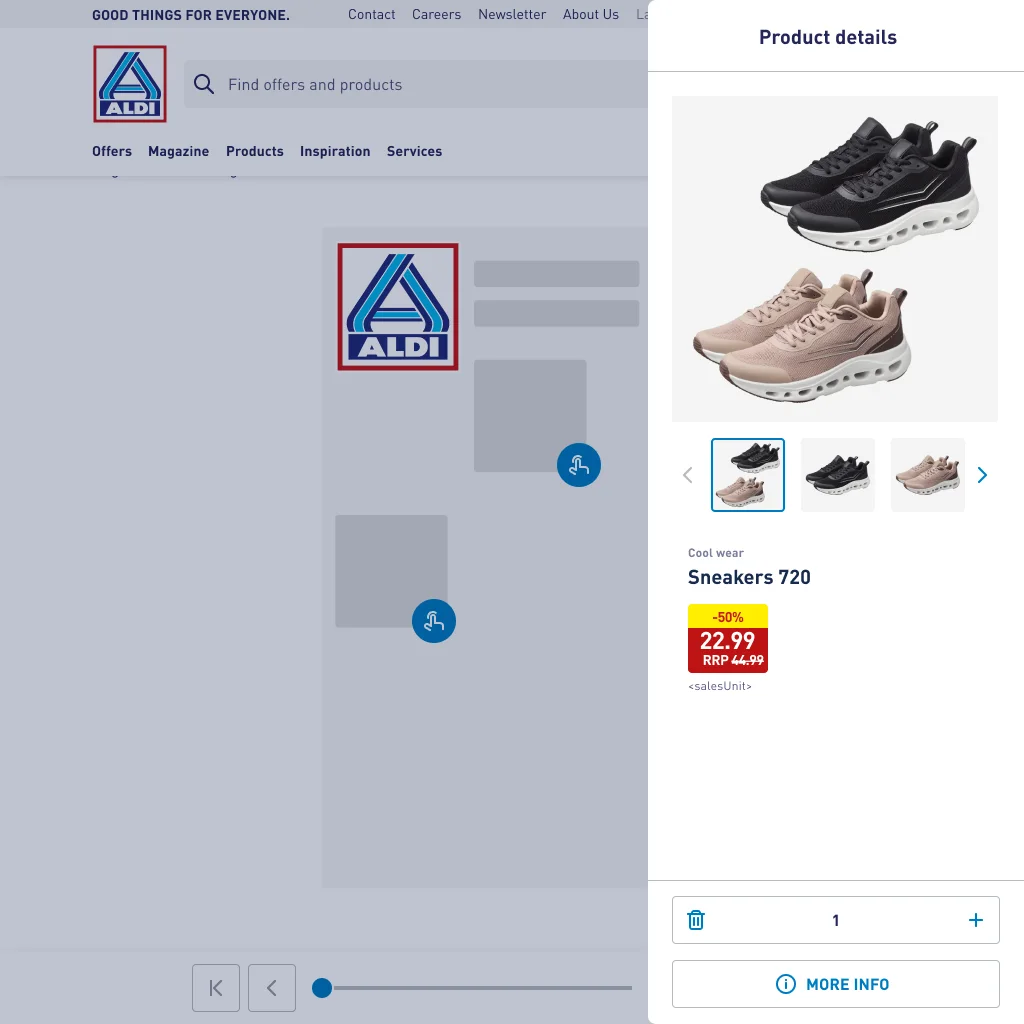
The same flow, adapted for desktop
Click a product in the leafletDetails open in a side panelQuantity control after adding
Edge cases
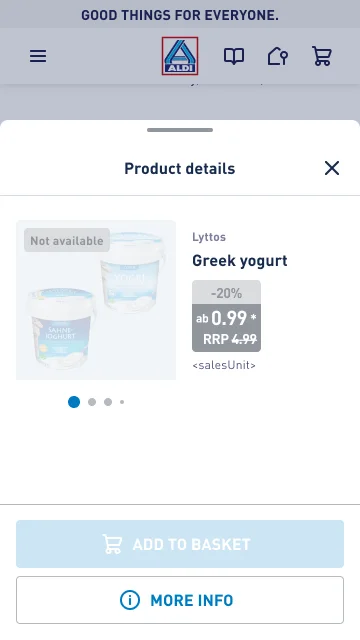
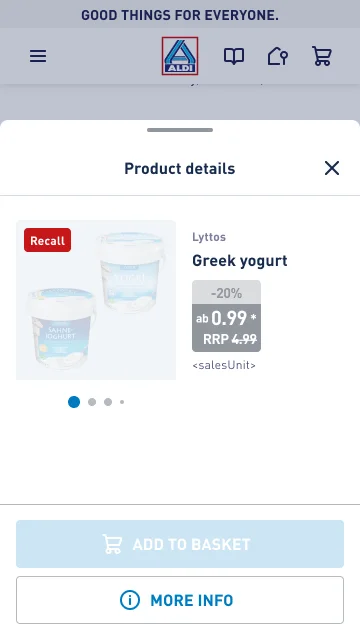
Designed for every product state
PromotionNot availableRecall
Usability testing
Two decisions changed by testing
Making the new feature visible
What we saw
Many users didn’t realize the icon next to a product was clickable.
What we changed
The icon is animated during a user’s first two sessions to draw attention to it.
Staying in the leaflet
What we saw
Users wanted to keep browsing the leaflet instead of being sent straight to the cart.
What we changed
After adding a product, users stay in the leaflet and go to the cart when they choose.
“It’s great that I don’t have to search for it all over the site.”Usability test participant
Option we rejected
Send the user to the cart after every added product
It would make the next step obvious, but it breaks the browsing flow.
What we chose and why
Keep the user in the leaflet
People usually add many products before opening the cart. Being redirected after each one would quickly become annoying, and testing confirmed it.
Results
Measurable impact in the first month
+5%
overall sales, thanks to a shorter path from promotion to checkout